The open letter on collective cyber defense includes a line that many development teams still haven’t translated into concrete process:
“Raise the security bar for what you buy, build, and deploy, including AI-generated code.”
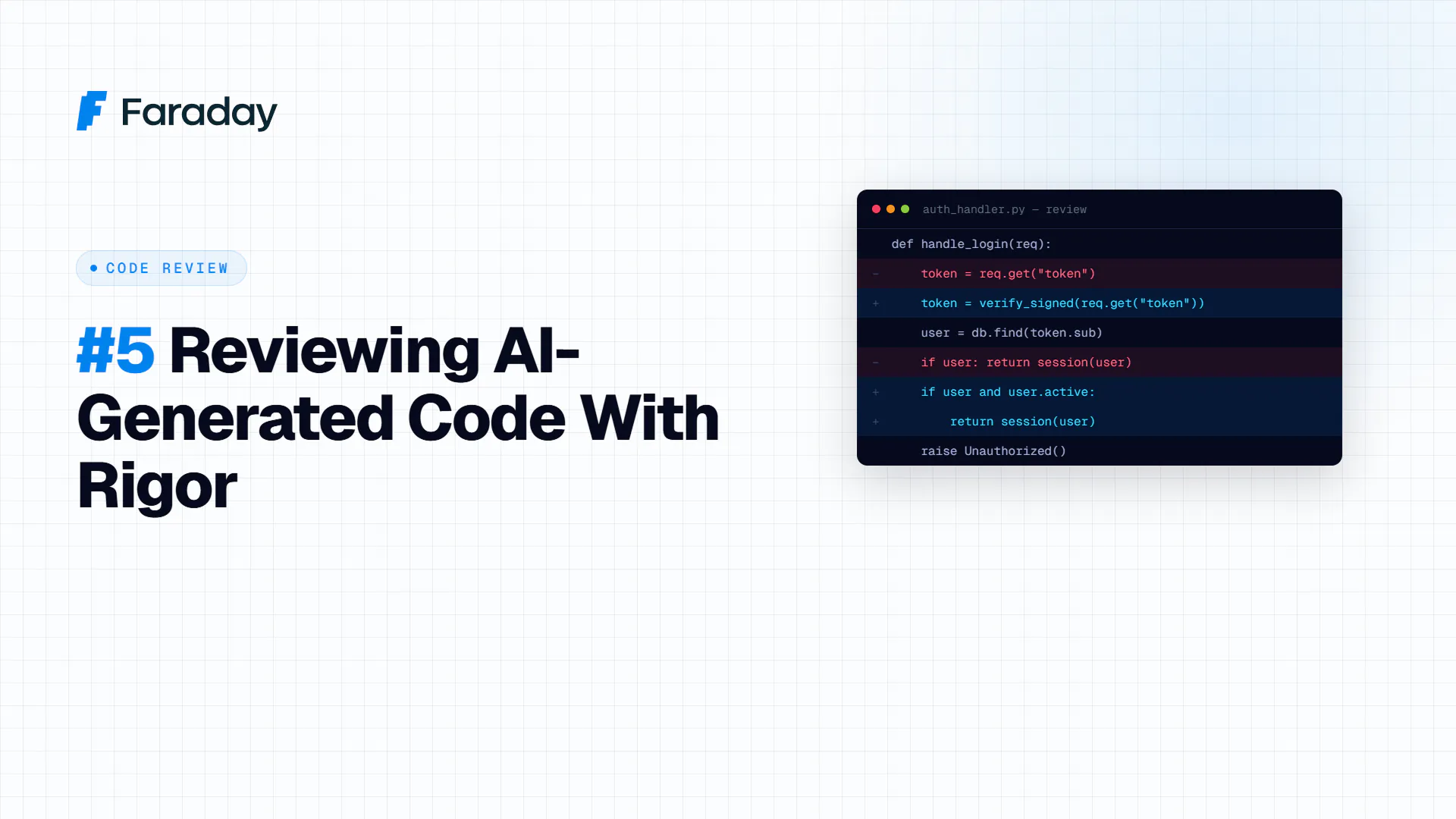
The problem isn’t that AI-generated code is inherently less secure than human-written code — many studies show comparable vulnerability rates. The problem is that it gets reviewed with less rigor, because it creates a false sense that “the model already validated it.” This guide is about closing that process gap.
The bias you need to correct first
When a developer writes code by hand, they typically review it mentally as they write it. When a model generates code, it arrives “complete” and looking finished — which reduces the critical review from the developer integrating it. The first step isn’t technical, it’s cultural: treat all AI-generated code as a junior developer’s first draft, never as final code.
Step 1 — Review checklist specific to AI-generated code
In addition to your standard review (logic, style, tests), add these specific checks:
- Hallucinated or invented dependencies: models sometimes suggest packages that don’t exist, or that exist but aren’t the ones the developer thinks (typosquatting of real packages). Verify every import against the official registry (npm, PyPI, crates.io) before merging.
- Hardcoded secrets: models sometimes generate examples with sample API keys or passwords that end up copied literally into production code.
- Missing or insufficient input validation: it’s common for generated code to solve the “happy path” and skip sanitization, especially in SQL queries or deserialization.
- Overly broad default permissions: if the code generates IAM policies, firewall rules, or access configurations, check it doesn’t use wildcards or admin roles “just to make it work.”
- Authentication/authorization logic generated without full system context: the model doesn’t know your existing permission architecture, so it can generate checks that contradict or duplicate logic that already exists.
Step 2 — Adapted SAST/DAST, not just the standard config
The static (SAST) and dynamic (DAST) analysis tools you already use are still valid, but tune the configuration:
- Increase sensitivity for secret detection (tools like
gitleaks,trufflehog) specifically on PRs flagged as AI-assisted. - Automated verification that packages actually exist in the CI pipeline before installing new dependencies — a simple check that prevents “slopsquatting” attacks (malicious packages with names models frequently hallucinate).
- Targeted fuzzing on AI-generated functions that handle external input, with more iterations than for code with an established production track record.
Step 3 — Tag the code’s origin in the PR process
For the extra review to be applied consistently, you need to know which code was AI-generated:
- Commit convention or PR label (
ai-assisted: true) when a significant portion of the change came from an assistant. - PR checklist that auto-triggers with that label, adding the review points above.
- Separate metrics for “time to bug detection” between human and AI-assisted code, to calibrate whether the extra process is working or insufficient.
Step 4 — High-criticality cases: escalate to a frontier model
Circling back to the tiered architecture framework: code touching authentication, sensitive data handling, or critical infrastructure shouldn’t be reviewed only by the same model (low-cost or otherwise) that generated it. For these cases:
- Cross-review with a different model than the one that generated the code (reduces the risk of the same model “blind spot” going unnoticed twice).
- Mandatory human review by a senior engineer, no exceptions, regardless of how polished the generated code looks.
- Targeted penetration testing before production deployment, not just unit tests.
Example of a simple CI rule
yaml
# .github/workflows/ai-code-review.yml (illustrative fragment)
- name: Check AI-assisted PR
  if: contains(github.event.pull_request.labels.*.name, 'ai-assisted')
  run: |
    gitleaks detect --source . --verbose
    ./scripts/verify-dependencies-exist.sh
    ./scripts/check-hardcoded-permissions.sh
Checklist
- ☐ Establish a convention for tagging PRs with AI-assisted code
- ☐ Verify the real existence of all new dependencies before merging
- ☐ Specifically scan for hardcoded secrets in tagged PRs
- ☐ Audit generated permission/authorization logic against the existing architecture
- ☐ Require senior human review for high-criticality code, no exceptions
- ☐ Measure post-merge bug rate in AI-assisted vs. human code to calibrate the process
Part of a series on how to put into practice the principles from OpenAI’s open letter on collective cyber defense (August 2026). Back to the full guide.